

Initial Setup
To start using the Zenrows Browser, follow these steps:1
Sign Up for Zenrows
If you haven’t already, create a Zenrows account by visiting the Registration Page.
2
Head to your Zenrows Browser dashboard
Once registered, log in to your dashboard to access your Zenrows Browser page.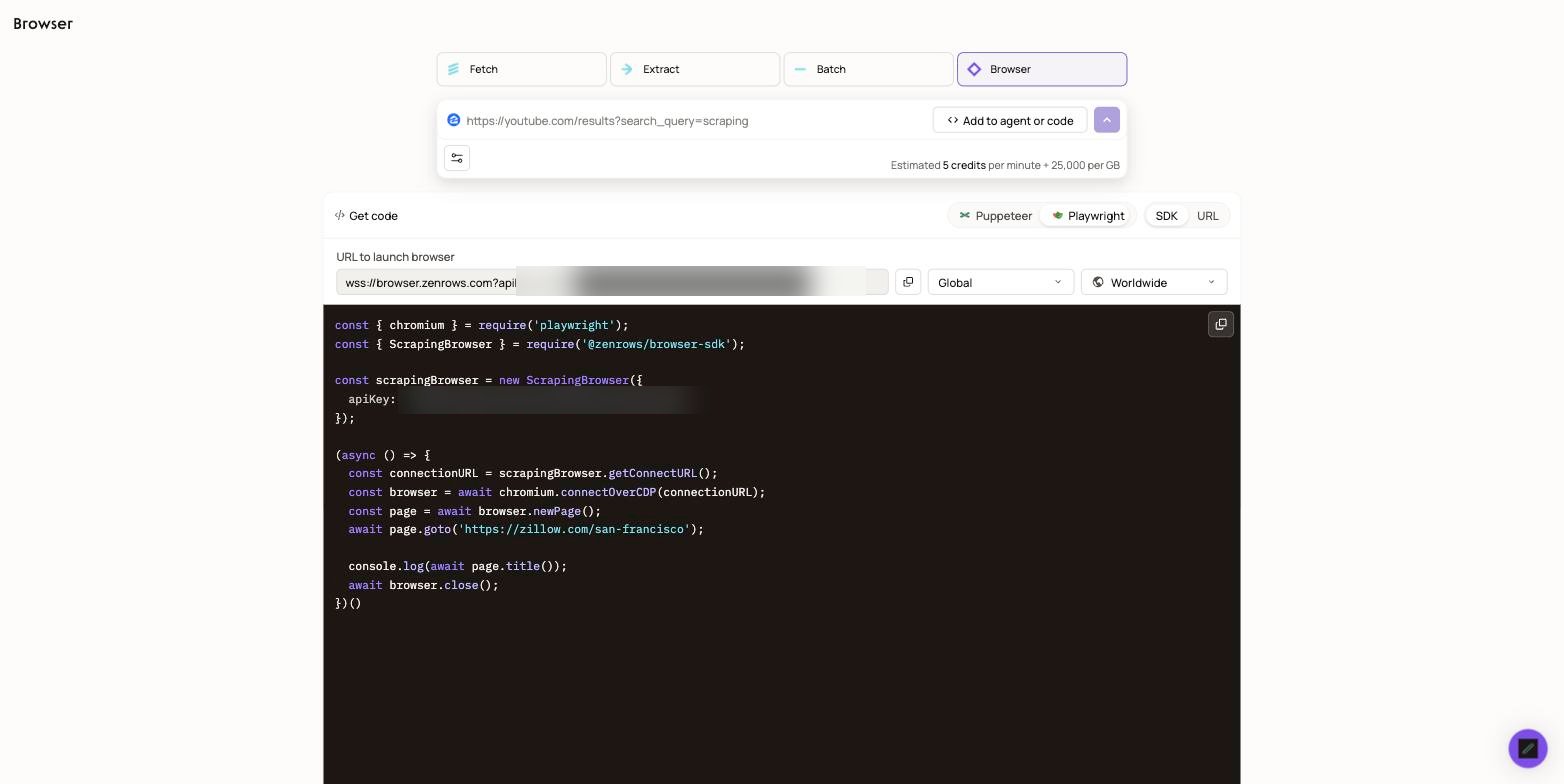
Browser Parameters
The Zenrows Browser is designed for ease of use with minimal configuration. However, you can still customize some options to suit your needs, including World Region, Country and Session TTL.Auto-rotate and Residential IPs are pre-configured and enabled by default for all users.
Available Parameter Options
The Zenrows Browser offers several customizable parameters to enhance your scraping experience:- World Region - Target specific geographic regions for your scraping operations
- Country Selection - Choose from our extensive list of premium proxy countries for geo-restricted content
- Session TTL - Control browser session duration from 1 to 15 minutes