

How to Use Zenrows with Python
Before we dive in, ensure you have Python 3 installed. If you’re new to Python or web scraping, using an IDE such as PyCharm or Visual Studio Code with the Python extension is recommended for a smoother experience. We’ll create a Python script namedscraper.py inside a /scraper directory. If you need help setting up your environment, check out our Python web scraping guide for detailed instructions on preparing everything.
Install Python’s requests Library
To interact with the Zenrows API, you can use Python’srequests library. It’s a widely used Python library for making HTTP requests, and it simplifies sending requests and handling responses, making it a great tool for integrating with web services like Zenrows.
This approach allows you to manage your API requests directly, allowing greater control over the web scraping process.
To install the requests library, use the following command in your terminal:
Make Your First Request
In this step, you will send your first request to Zenrows using the requests library to scrape content from a simple URL. We will use HTTPBin.io/get endpoint to see how Zenrows processes the request and returns the data. Here’s an example:scraper.py
YOUR_ZENROWS_API_KEY with your actual API key and run the script:
origin, which shows the IP address from which the request was made. Zenrows automatically rotates your IP address and changes the User-Agent for each request, helping to maintain anonymity and avoid blocks.
Perfect, you just learned how to make scraping requests with Python!
Scrape More Complex Web Pages
While scraping simple sites like HTTPBin is straightforward, many websites, especially those with dynamic content or strict anti-scraping measures, require additional features. Zenrows allows you to bypass these defenses by enabling JavaScript Rendering and using Premium Proxies. For example, if you try to scrape a page like G2’s Asana reviews without any extra configurations, you’ll encounter an error:scraper.py
Troubleshooting
Request failures can happen for various reasons. While some issues can be resolved by adjusting Zenrows parameters, others are beyond your control, such as the target server being temporarily down. Below are some quick troubleshooting steps you can take:1
Retry the Request
Network issues or temporary failures can cause your request to fail. Implementing retry logic can solve this by automatically repeating the request. Learn how to add retries in our Python requests retry guide.Example of retry logic using requests:
scraper.py
2
Verify the Site is Accessible in Your Country
Sometimes, the target site might be region-restricted and only available to some proxies. Zenrows automatically selects the best proxy, but if the site is available only in specific regions, specify a geolocation using If the target site requires access from a specific region, adding the
proxy_country.Here’s how to choose a proxy in the US:proxy_country parameter will help.3
Check if the Site is Publicly Accessible
Some websites may require a session, so verifying if the site can be accessed without logging in is a good idea. Open the target page in an incognito browser to check this.You must handle session management in your requests if authentication credentials are required. You can learn how to scrape a website that requires authentication in our guide: Web scraping with Python.
4
Get Help From Zenrows Experts
If the issue persists despite following these tips, our support team is available to assist you. Use the Playground page or contact us via email to get personalized help from Zenrows experts.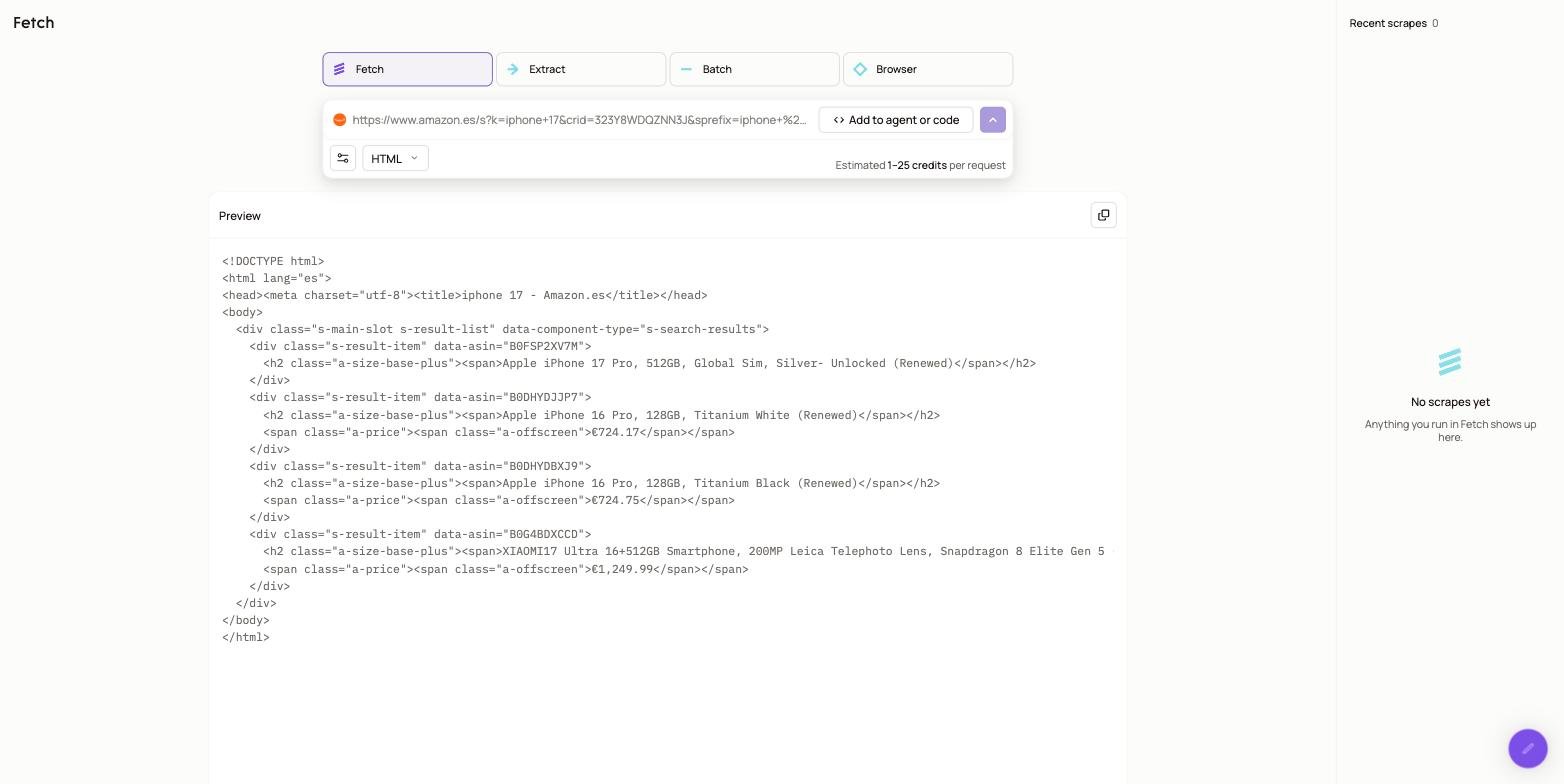
Frequently Asked Questions (FAQ)
How can I bypass CloudFlare and other protections?
How can I bypass CloudFlare and other protections?
To reliably access sites behind CloudFlare or similar security mechanisms, enable both
js_render and premium_proxy in your requests. These features simulate a full browser environment and route through high-quality residential proxies for protected access.You can also enhance your request by adding options like wait or wait_for to ensure the page fully loads before extracting data, improving accuracy.How can I ensure my requests don't fail?
How can I ensure my requests don't fail?
You can configure retry logic to handle failed HTTP requests. Learn more in our guide on retrying requests.
How do I extract specific content from a page?
How do I extract specific content from a page?
You can use the
css_extractor parameter to directly extract content from a page using CSS selectors. Find out more in our tutorial on data parsing.Can I integrate Zenrows with Python's Requests and BeautifulSoup?
Can I integrate Zenrows with Python's Requests and BeautifulSoup?
Yes! You can use Zenrows alongside Python Requests and BeautifulSoup for HTML parsing. Learn how in our guide on Python Requests and BeautifulSoup integration.
How can I simulate user interactions on the target page?
How can I simulate user interactions on the target page?
Use the
js_render and js_instructions features to simulate actions such as clicking buttons or filling out forms. Discover more about interacting with web pages in our JavaScript instructions guide.How can I scrape faster using Zenrows?
How can I scrape faster using Zenrows?
You can scrape multiple URLs simultaneously by making concurrent API calls. Check out our guide on using concurrency to boost your scraping speed.